Heisenberg Node
Welcome to the Heisenberg network. If you have unused compute, you can now contribute to a decentralized AI infrastructure — and get rewarded.
Join the Waitlist
Before installing, make sure you've joined the Heisenberg Waitlist. We'll email you once you're approved to access the Node app.
- 📩 Get approved
- 🧑💻 Receive credentials and install link
- ⚙️ Set up your node and start earning
What is the Heisenberg Node?
The Heisenberg Node is a lightweight desktop app (Windows/macOS/Linux) that lets you share unused CPU power to support AI-powered Data Agents. It runs quietly in the background and rewards you with points for staying online and helping process jobs.
Why run it?
- 💸 Earn passively with zero setup friction
- 🧠 Power real AI use cases in crypto, gaming, and more
- 🔒 Keep your privacy — no access to files, no tracking
How It Works
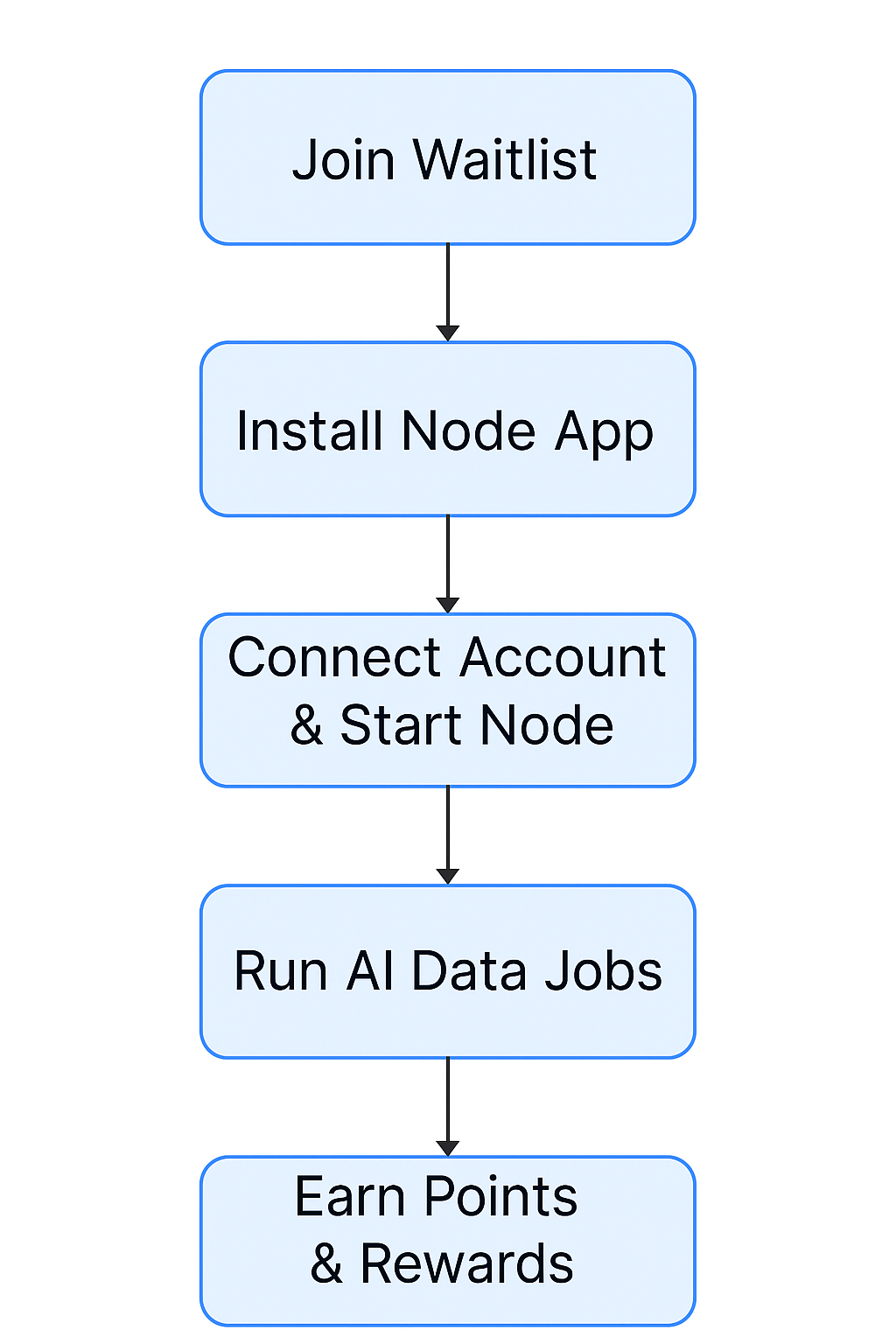
- Your node fetches data tasks (Twitter scraping, filtering, summarizing, etc.)
- Jobs run inside secure containers powered by Docker
- Results are sent back to the network — and you earn for your compute
Installation
Setting up the Heisenberg Node takes just a few minutes. All you need is Docker and your login credentials.
Step 1: Install Docker
Make sure Docker is installed on your machine:
- Download Docker Desktop
- Follow the instructions for your OS (macOS or Windows)
Docker must be running before launching the Heisenberg Node app.
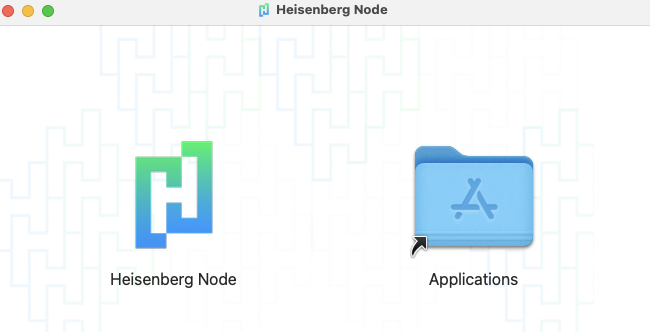
Step 2: Install Heisenberg Node
- Download the Heisenberg Node installer from heisenberg.so
- Run the installer (macOS or Windows)
- Launch the app
Step 3: Log In
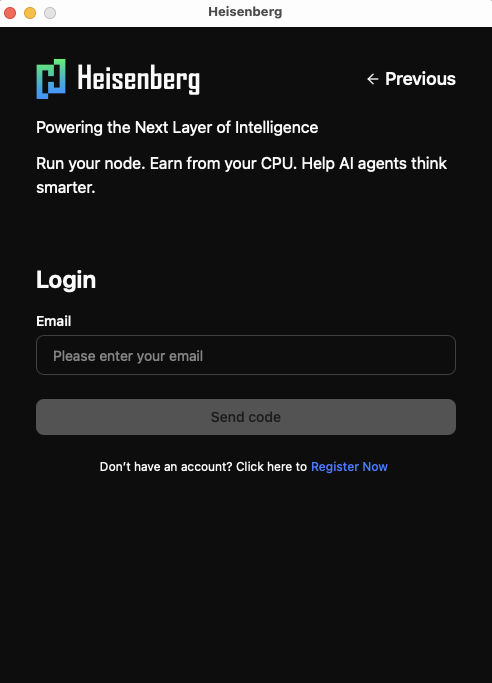
- Enter the email address you used to register
- Set a password if prompted
- If your account has been approved, you'll be logged in
If not yet approved, the app will notify you to wait for activation.
Step 4: Connect Your Node
- Make sure Docker is running
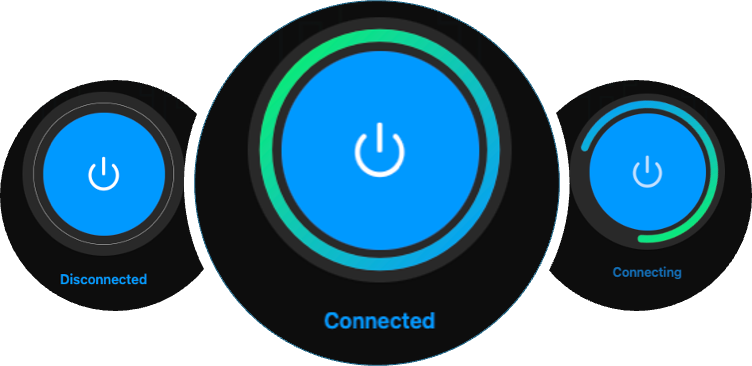
- Press Connect in the Heisenberg app
- Your node will activate and begin processing tasks
Disconnecting
You can disconnect your node at any time by pressing the same button.
The app runs quietly in the background. No additional setup is required.
Earning Rewards
Points System
You earn Heisenberg Points, which track your contribution and eligibility for future rewards.
| Activity | Points |
|---|---|
| Uptime (per 30 sec) | ✅ Earned continuously |
| Data Job Completed | 🔁 Extra multiplier |
| Referrals | 🎁 Three-tiered |
⏳ Bonus periods & reward multipliers are announced on X
Track Your Earnings
- Real-time stats shown in the Node dashboard
- Uptime, job logs, and referral tree
- Rewards history and leaderboard (coming soon)
Privacy & Security
Your privacy is our first priority.
- 🧱 Jobs run in isolated containers (via Docker)
- 🔒 No access to files, apps, or browsing activity
- 🔍 No personal tracking
- 🌐 Data is encrypted in transit
- 🛑 Opt-out any time
Troubleshooting
| Problem | Solution |
|---|---|
| Node won't start | Check Docker is installed + restart app |
| High CPU usage | Adjust compute settings in app |
| Low points | Stay online longer or run during active jobs |
| Docker error | Ensure it's running before launching the app |
| Still stuck? | Email Support |
What Happens Under the Hood?
Each job might involve:
- Collecting data from web or onchain sources
- Summarizing, classifying, or filtering it via AI
- Returning results as structured JSON to the backend
Your device becomes part of a real-time data engine.
🔗 For updates, follow @HeisenbergNet
🌐 Visit heisenberg.so